Quick start
The shortest whole loop: one order earns points, the next spends them, and a cancellation takes them back. Do it on a staging copy of your store, or with a test customer account and orders you are happy to cancel, because pressing Start awarding points is the moment a store starts to owe something.
It assumes Loyalty is installed and your user group has its permission; see requirements and install.
1. Set up earning, without starting it
Open Extensions › Extensions › Modules › Loyalty. If you run more than one store, the selector at the top chooses which store you are setting up.
- Set Status to on.
- Under Earning, set Points earned to
100(one point for every unit of your currency) and leave Counted on at Goods, before tax. - Under Awarded when an order reaches, tick Complete.
- Under Taken back when an order reaches, tick Canceled, Refunded and Chargeback.
- Under Spending, leave Points per unit of currency at
100, so 100 points take 1.00 off. - Save.
Nothing is earned yet: the right-hand column still reads Earning is off, and What this costs now works the arithmetic out for you.
2. Make spending possible
- Go to Extensions › Extensions › Order Totals, and switch OpenCart's own Reward Points total off. While it is on, Loyalty's spending stays away, and the Loyalty screen says so in a banner.
- On the same list, install Loyalty, open it, switch it on and save.
3. Start awarding points
Back on the Loyalty screen, tick I understand this starts costing money and press Start awarding points. The column now reads Earning is on with the moment it started. Every order placed from now on can earn; none placed before ever will.
4. One order earns
- On the storefront, sign in as a test customer and place an order.
- In the admin, open it under Sales › Orders and add a history entry with the status Complete.
- Open the customer under Customers › Customers. Their Reward Points tab has a row reading Order #… for the points the order earned.
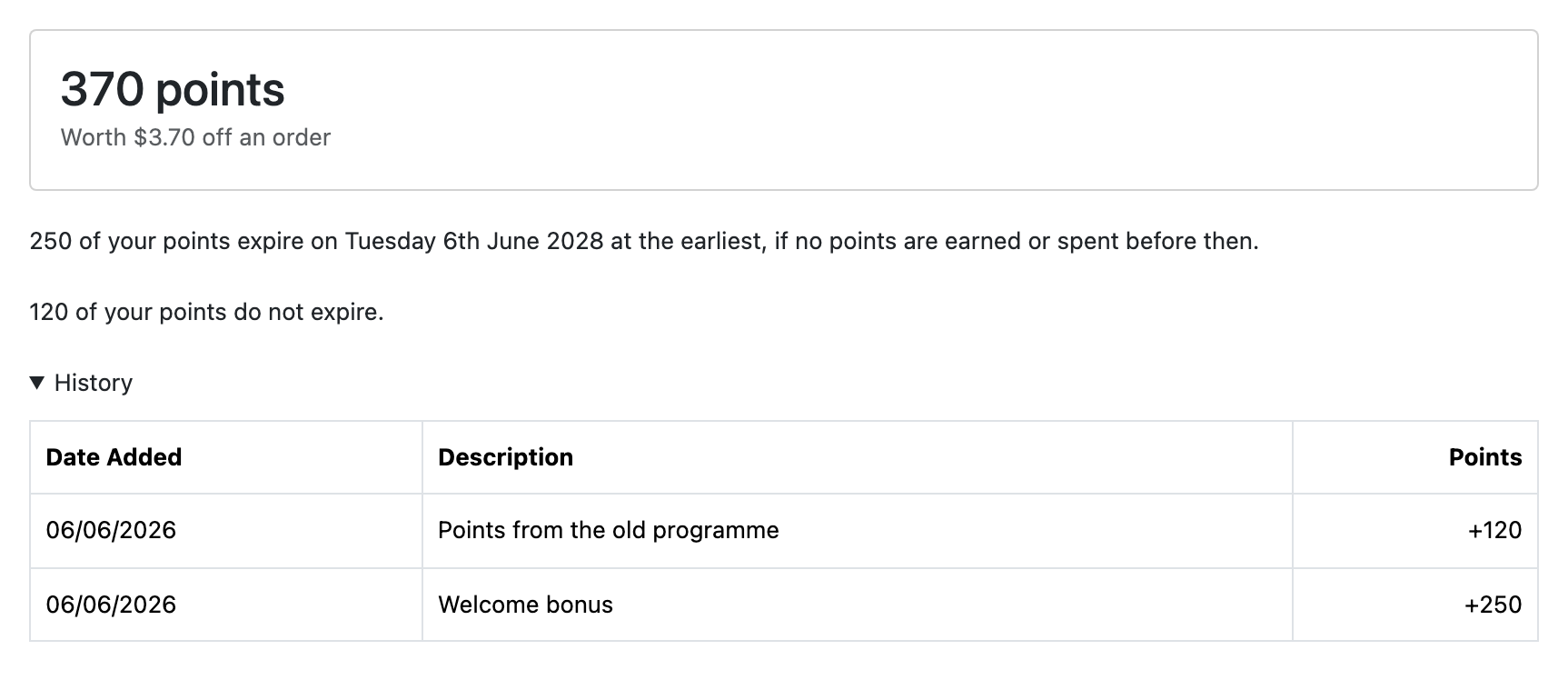
- On the storefront, open My Account › Reward Points. The balance leads, with what it is worth off an order beneath it.
5. The next order spends them
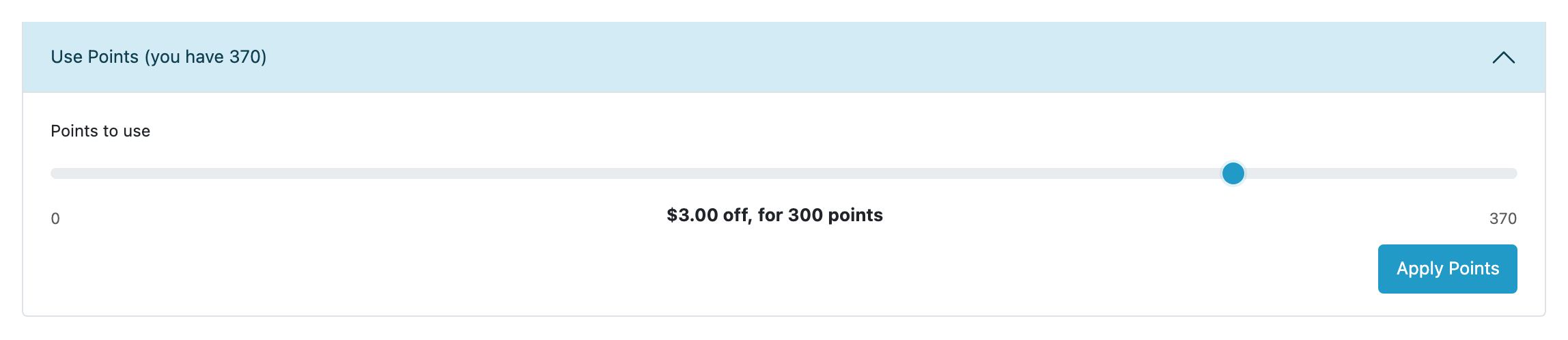
- As the same customer, put something in the cart. Under Use Points, move the slider, press Apply Points, and check out. The order's totals carry a Points line taking the discount off the goods.
- When OpenCart confirms that order, the points leave the balance: a row reading Points spent on order #… appears on the customer's Reward Points tab.
6. A cancellation takes the award back
Add a history entry with the status Canceled to the first order. A row reading Order #… reversed takes back exactly what it earned. If the customer had already spent those points, their balance is now below zero, and their points page says which order put it there.
7. Read what the store owes
The right-hand column of the Loyalty screen shows the points outstanding, what moved in the last 30 days, and anything needing attention. See what the store owes.
That is the loop. What to set for a real store, and the parts left out here (bonuses, expiry, customer groups), are in guides.